


Choosing between an eSIM and a pocket WiFi for your Tokyo trip comes down to three things: how many devices you need connected, how much data you'll actually use, and whether your phone supports eSIM at all. This guide walks through each factor with current 2026 pricing and provider recommendations, so you're not stuck comparing specs the night before your flight.
Landing at Narita with no data is a special kind of helpless.
The transfer you researched needs a train app, the train app needs internet, and the airport WiFi wants you to watch an ad first.
Japan welcomed a record 36.8 million visitors in 2024 (JNTO), and nearly all of them made the same pre-flight decision you’re making now: eSIM or pocket WiFi?
The honest answer comes down to two things — how many people share your data, and whether your phone supports eSIM.
Here’s how the two options compare for a Tokyo trip, and which one we’d actually book.
Key Takeaways
Hide- Solo traveler with a recent phone? An eSIM is cheaper, activates the moment you land, and there's nothing to return.
- Couples, families and groups almost always save money with one shared pocket WiFi — NINJA WiFi has pickup counters at both Narita and Haneda.
- Continuing beyond Japan? A multi-country eSIM covers every stop with one setup.
What’s the Actual Difference?
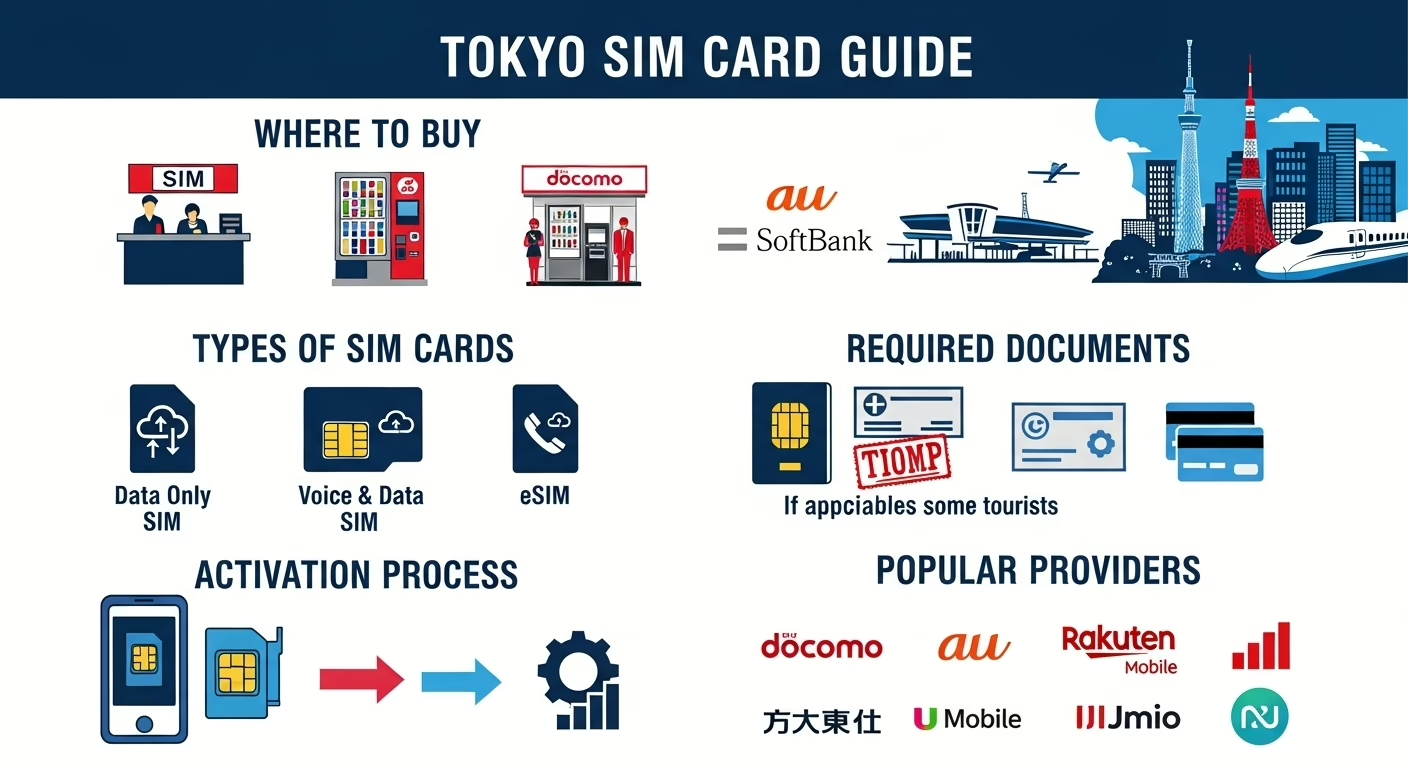
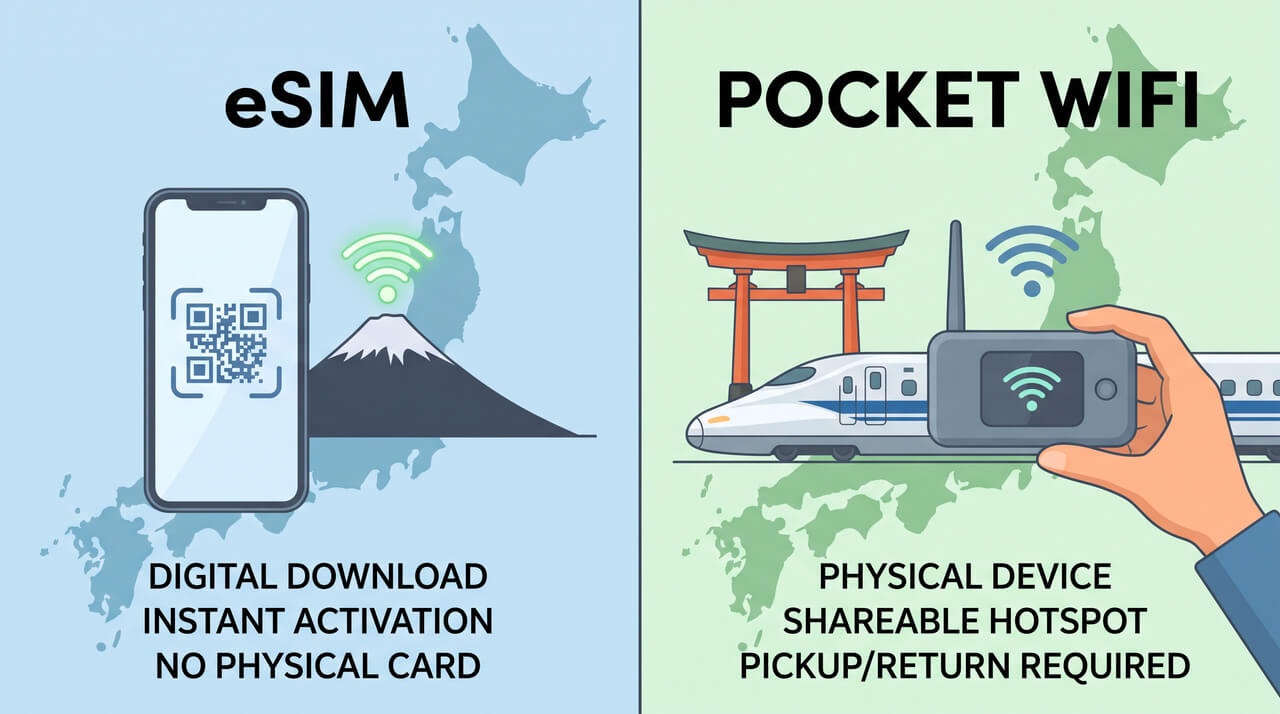
An eSIM is a data plan you install by scanning a QR code — no physical SIM, no hardware, nothing to pick up or return.
It lives inside your phone and switches on the moment you leave airplane mode in Japan.
The catch: your phone must support eSIM (iPhone XS or newer, most flagship Androids from about 2020 on) and must be carrier-unlocked.
A pocket WiFi is a palm-sized hotspot you rent for the length of your trip.
It broadcasts its own network, so anything with WiFi can connect — your phone, your partner’s phone, a laptop, the kids’ tablets.
You collect it at the airport (or have it delivered to your hotel) and drop it in a return box before flying home.
Underneath, they’re the same thing.
Both ride Japan’s Softbank, DOCOMO or KDDI networks, so coverage and speed across Tokyo are effectively identical.
You’re choosing a delivery mechanism, not a network.
When Does an eSIM Win?
For one person with a compatible phone, the eSIM wins on almost every axis.
It’s cheaper for a single user, there’s no battery to babysit, no device to lose, and no return-box detour on departure day.
Install it at home over your own WiFi, and data works before you’ve cleared immigration.
It’s also the resilient option.
A pocket WiFi left charging at the hotel means a day with no data for everyone.
An eSIM can’t be forgotten anywhere — it’s in the phone.
One rule: buy it before you fly, not after you land.
Installing an eSIM needs an internet connection, which is exactly what you don’t have in the arrivals hall.
Ten minutes on your sofa the week before beats hunting for airport WiFi with a luggage trolley.
When Does Pocket WiFi Win?
The math flips as soon as you’re sharing.
Two people buying separate eSIMs usually costs more than one rented hotspot; for a family of four it isn’t close.
One device, one payment, everyone connected — including devices that can’t take an eSIM at all, like laptops, older phones and tablets.
Pocket WiFi also wins on data ceilings.
Most rentals are genuinely unlimited, while many eSIM plans meter you per gigabyte.
If your Tokyo days involve uploading video, nightly calls home, or a teenager with streaming habits, the hotspot absorbs it without a second thought.
NINJA WiFi is the rental we recommend for Tokyo trips: unlimited 4G data, roughly ten hours of battery, and pickup counters at both Narita and Haneda, so the device is in your hand before you board the train into the city. Klook’s pocket WiFi rental
is the strong alternative — airport pickup plus a free power bank, which quietly solves the battery problem.
The one real weakness?
That battery.
A hotspot streaming through a full sightseeing day will want a top-up by evening, so pack a power bank or pick a rental that includes one.
Quick Comparison: eSIM vs Pocket WiFi
| eSIM | Pocket WiFi | |
|---|---|---|
| Best for | Solo travelers, light users | Couples, families, groups |
| Setup | QR code before you fly | Counter pickup at Narita / Haneda |
| Works from | The moment you land | After pickup at arrivals |
| Devices covered | Your phone only | Everything with WiFi (5–10 devices) |
| Data limits | Often metered per GB | Usually unlimited |
| Battery | None — uses your phone | ~10 hours, needs charging |
| Returns | Nothing to return | Airport return box |
| Phone requirements | eSIM-capable and unlocked | None |
Compare Prices Across Providers
These are the providers we trust for Japan connectivity, in the order we’d recommend them for a Tokyo trip:
Stay Connected
Japan eSIM & Pocket WiFi Rentals
Skip the SIM card queue at the airport. Buy a Japan eSIM before you fly and connect the moment you land.

Klook
5G / 4G LTE coverage on Softbank and DOCOMO networks.

Airalo
Multiple data plans available. Good choice if continuing to other Asian countries.

Saily
Built-in ad blocker and hotspot tethering. Better value at higher data tiers.

NINJA WiFi (eSIM)
Japan eSIM with 4G LTE coverage. Instant activation, no physical SIM required.
NINJA WiFi (SIM Card)
Physical SIM card for Japan. Delivered to your hotel or collected at the airport.
NINJA WiFi (Pocket WiFi)
Pocket WiFi rental with unlimited 4G data. Share with your group, no SIM swap needed.

Pelago
5G unlimited data on KDDI. Worth checking for KrisFlyer-linked perks.
Klook
Pocket WiFi rental with unlimited 4G LTE. Airport pickup, free power bank included.

KKday
Pocket WiFi rental with unlimited 4G data. Collect at Japan airports on arrival.

Holiday.com
Global eSIM from the ExpressVPN team. One eSIM covers Japan plus your next destinations.
What If Japan Is Only One Stop?
Multi-country trips change the answer slightly.
A Japan-only eSIM or hotspot ends at the departure gate, so if you’re continuing to Korea, Taiwan or Southeast Asia, you’d be setting up connectivity again at every border.
A global eSIM like Holiday.com (built by the ExpressVPN team) covers Japan and your next destinations with one setup — worth a look for longer itineraries, though for a Japan-only trip the dedicated options above are the better value.
The Bottom Line
Solo with a recent phone: buy an eSIM before you fly and walk out of Narita or Haneda already connected.
Two or more people, or any laptop/tablet in the mix: reserve a NINJA WiFi pocket hotspot and collect it at arrivals.
Either way, sort it before departure day — connectivity is the cheapest part of a Japan trip to get right and the most annoying one to fix after landing.
Sorting the rest of your arrival?
Our Narita and Haneda transfer guide covers every route into the city, the Suica top-up guide gets your transport card working, and the luggage storage guide solves the gap between landing and check-in.